01
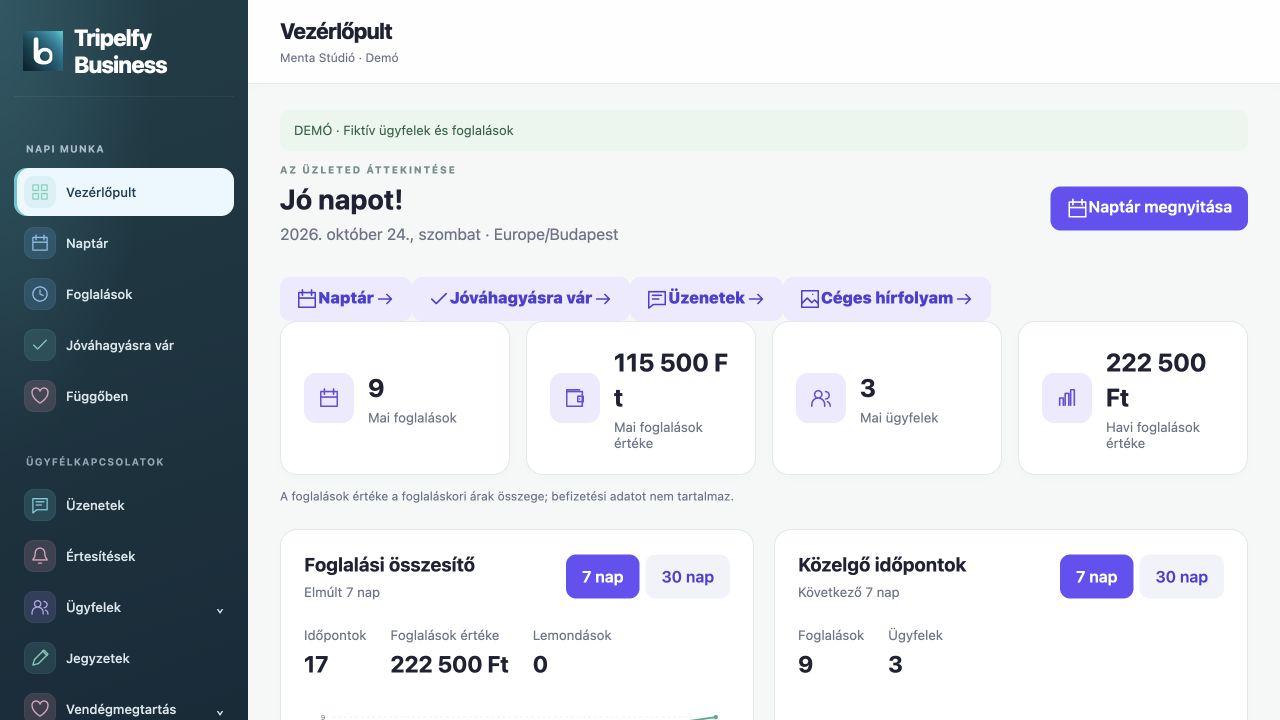
Web dashboard.
Review booking summaries and tasks, then continue in the calendar, customer records or catalogue.
Try it ↗ tripelfy
 Tripelfy Business
Bookings, staff and customer relationships. Every part of your day in one clear workspace.
Take a closer look.
Review booking summaries and tasks, then continue in the calendar, customer records or catalogue.
Try it ↗A separate provider app with a calendar, booking actions, approvals, customer management and business messages.
Try it ↗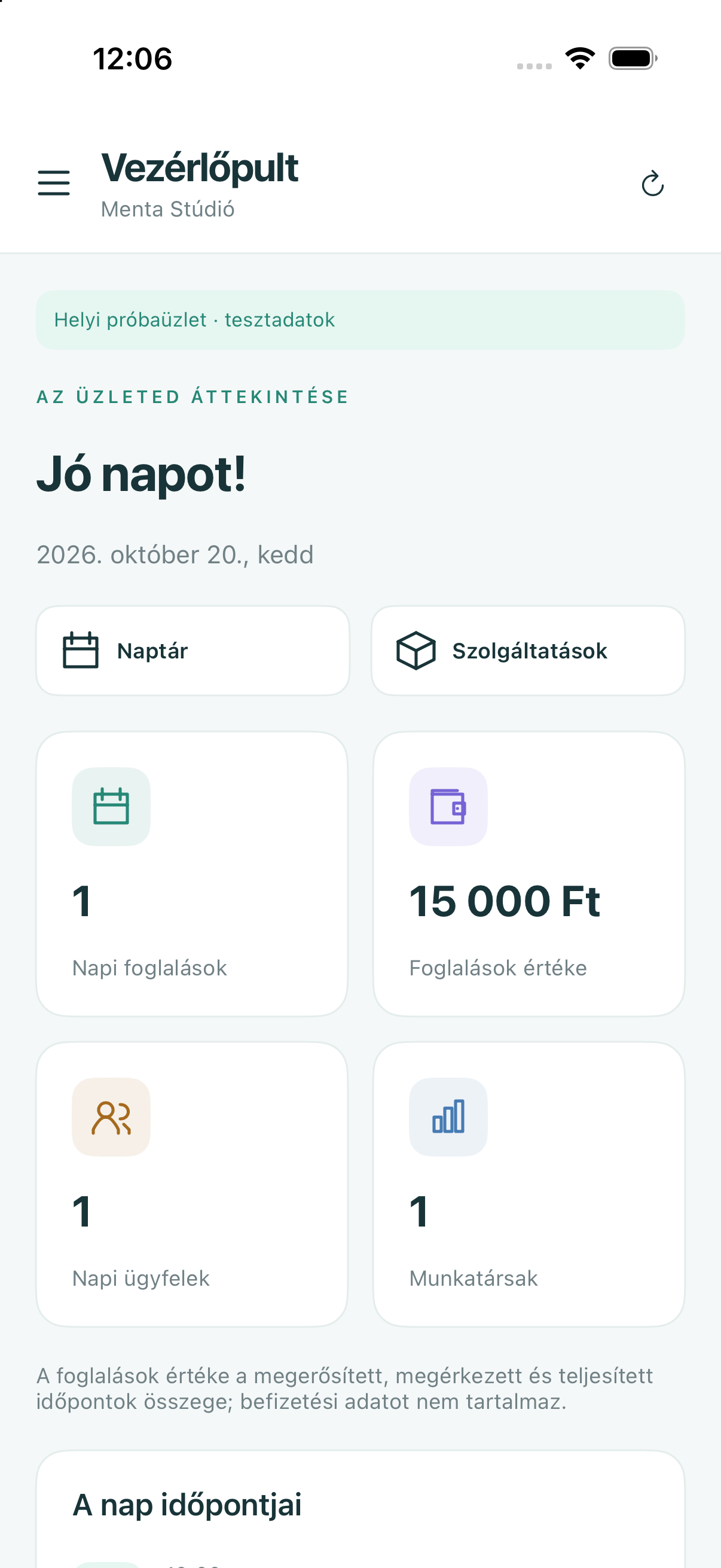
Search, edit and archive private customer records separately from public Social profiles.
Try it ↗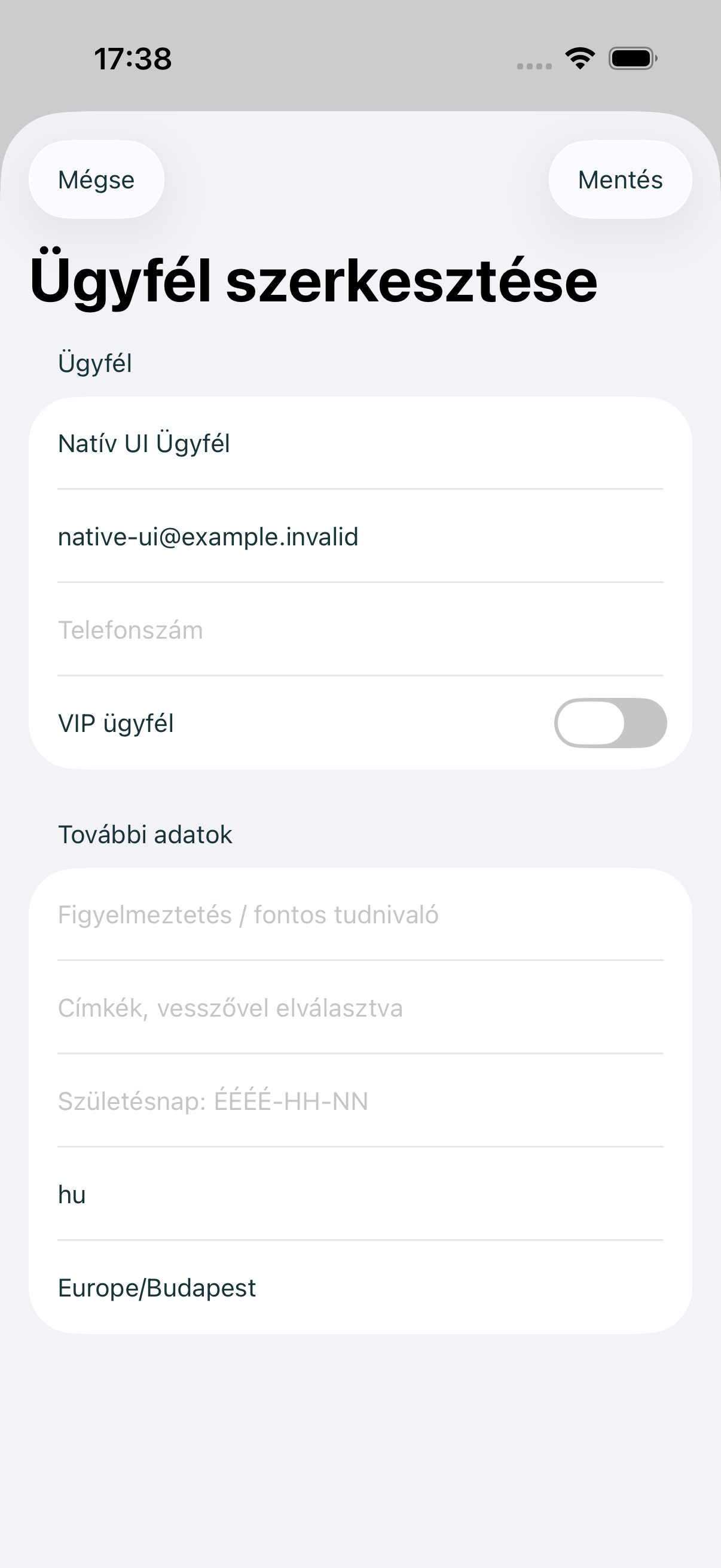
Demo screens and reviews use sample content. Image credits ↗
The full provider workspace: calendar, customers, team, catalogue and finance modules.
Separate Tripelfy Business app: calendar, approvals, booking actions, customers and messages.
Business bookings and conversations inside Tripelfy. No separate provider app at present.
Tripelfy Business
Sign in with Tripelfy ID and choose your business. Your membership and role determine what you can access.
Review booking summaries and tasks, then continue in the calendar, customer records or catalogue.
Plan in daily, weekly and monthly views with staff and location filters and direct access to booking details.
Customers can book available services, while providers can enter appointments manually with shared capacity and resource checks.
Require a provider decision before a booking is confirmed. Pending and confirmed appointments have distinct statuses.
Offer newly available appointments to waiting customers, with separate acceptance and optional expiry.
Move or cancel bookings, suggest a new time and manage group participants under your booking rules.
Set advance notice, booking horizons, cancellation conditions, approvals and waitlist rules.
Manage service variants, duration, price, images and descriptions, with staff, location and resource assignments.
Organise services into categories and subcategories with images, colours, descriptions, ordering and archiving.
Publish shared sessions with capacity and minimum attendance and manage bookings against the same session.
Use time-of-day and last-minute pricing with a shared calculation for displayed and booked prices.
Manage pass types, issued passes and remaining sessions. Session tracking does not imply online payment.
Search, edit and archive private customer records separately from public Social profiles.
Invite customers to connect and let them choose whether to accept or save your business.
Attach private colour-coded notes to customers or bookings for internal work.
Manage questions, templates, conditions and submissions, with automation that connects forms to relevant workflows.
Follow tasks, watchers and results for returning guests. Automated contact depends on configuration and consent.
Manage staff calendars, service assignments, working hours, invitations and permissions.
Manage addresses, map positions and the resources needed to deliver services, with capacity included in availability checks.
Track products, suppliers, multi-item orders, stock movements and partial or complete receipt of goods.
Publish text and photo posts and manage your business’s public profile and review views.
Review booking summaries and export CSV data. Full accounting and invoicing integrations are not included.
Make eligible published business information available on public surfaces, subject to Discover’s visibility requirements.
Present services, staff, locations and opening hours with your logo, cover and gallery.
View booking and POS reports, invoice states and documents according to your permissions.
Track deposit, final and cancelled invoice states and available invoice PDFs alongside bookings.
A separate provider app with a calendar, booking actions, approvals, customer management and business messages.
Customer-side provider search, available times, bookings, waitlists, passes and business conversations. This is not a separate Android provider app.
No matching feature.
Screens are illustrative; features vary by platform.