01
iOS conversation.
Exchange personal messages inside Tripelfy and revisit earlier messages from the conversation list.
Try it ↗
 tripelfy
 Tripelfy Messenger
Text, photos and voice messages. Personal conversations and shared plans, inside Tripelfy.
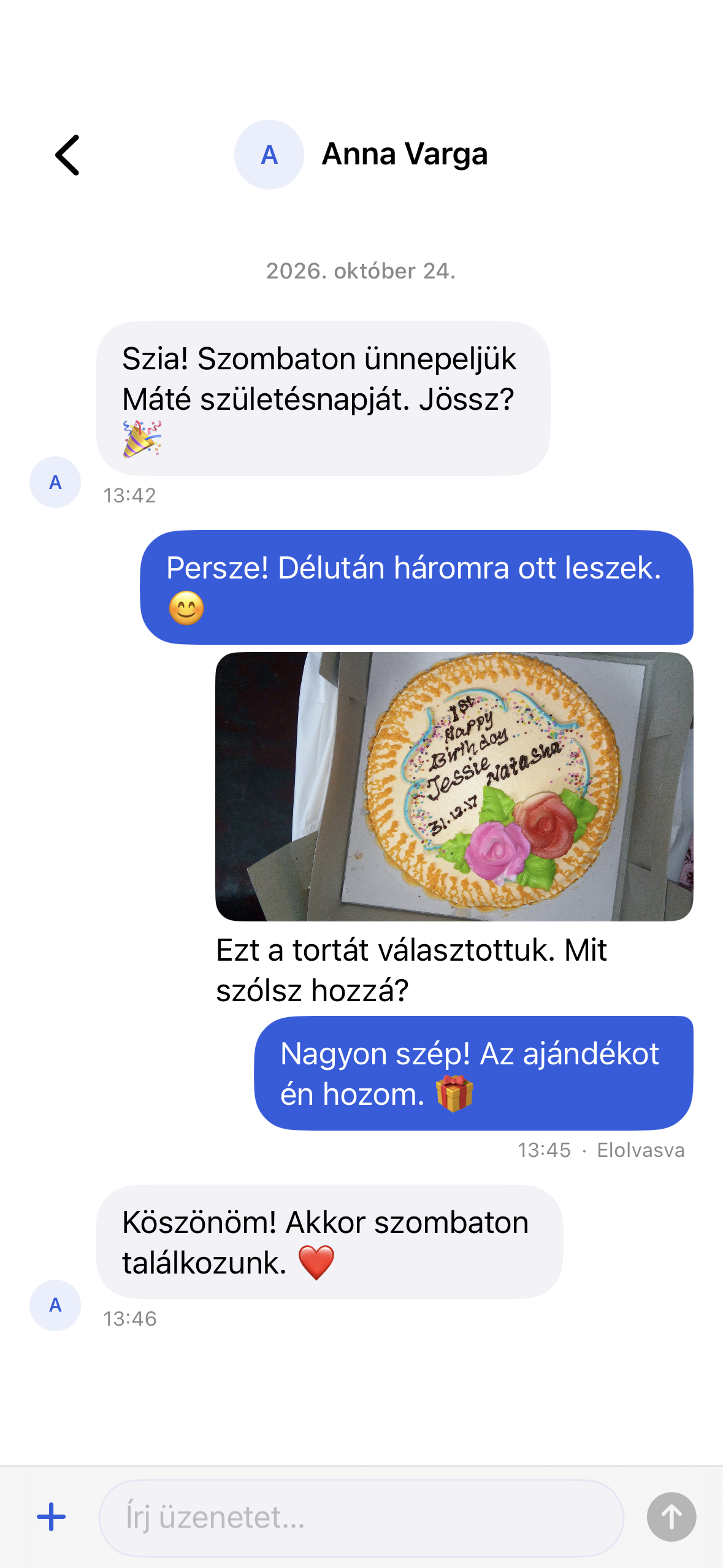
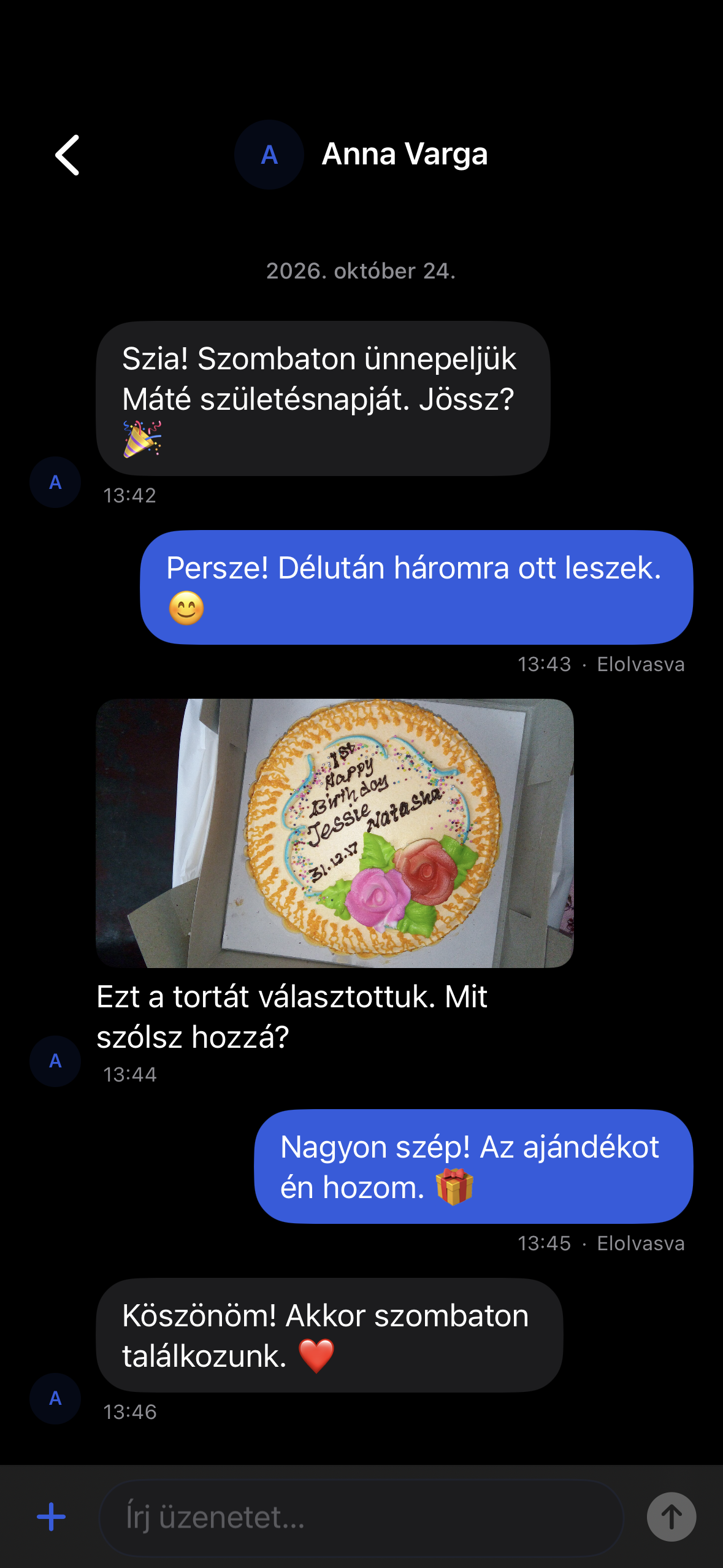
Take a closer look.
Exchange personal messages inside Tripelfy and revisit earlier messages from the conversation list.
Try it ↗Choose a bubble colour, background, nickname and quick emoji for your own chat view.
Try it ↗Demo screens and reviews use sample content. Image credits ↗
Tripelfy Messenger
Exchange personal messages inside Tripelfy and revisit earlier messages from the conversation list.
Talk with several people in one conversation. Membership and roles determine the actions available.
Attach and open photos within the permissions of the conversation.
See read receipts and new-message indicators while browsing conversation history.
Hiding removes a message from your own view. Deleting for everyone is a separate action with its own permissions.
Customers and providers can discuss a booking using text and photos in a separate business conversation.
Choose an available contact in the conversation picker and open your exchange. Relationship and blocking rules determine whether the recipient is available.
Search the conversation list and switch between all and unread conversations. This locates conversations, rather than providing unlimited full-history message search.
Pin a supported conversation in the list and unpin it later. This organises conversations; pinning an individual message inside a group is a different feature.
Archive a conversation and return it to the active list later. Archiving does not delete its messages for every participant.
Turn conversation muting on or off. This changes your notification preference without deleting the other person's messages.
Attach a photo from the picker or take a new one in supported chats. Review selected attachments before sending; camera access requires device permission.
Supported messages show separate sent, delivered and read indicators. These reflect available acknowledgements, not whether the recipient understood the message.
Change the text of your own editable message from its action menu. Access and the message's current state determine whether the edit is allowed.
A hidden message disappears from your own view. This action does not delete the other participant's copy.
An authorised user can remove a message using the shared deletion action. Previously saved or independently forwarded copies may remain.
Supported conversations can retain unfinished text and selected photos as local drafts. Drafts belong to an account and conversation and require an explicit send after restoration.
Older messages are available through pagination, while supported local storage helps you return to a conversation. Retry failed sends; local history is not an unlimited offline archive.
Manage presence and activity preferences in a dedicated view. Displayed status depends on available connection information and the user's settings.
Customers and authorised providers can discuss appointments with text and supported photos. Private-chat voice, GIF or sticker features do not automatically apply to business messaging.
Record a voice message, preview it and send it. Playback supports pause, seeking and multiple speeds.
Reply to a specific message, add an emoji reaction or remove your own reaction.
Forward an eligible message to another conversation.
Recent and favourite stickers, your packs and GIF previews help you express yourself. GIF search uses an external service.
Choose a bubble colour, background, nickname and quick emoji for your own chat view.
Manage chat notifications and muting. Unread indicators take you to messages you have not read.
No matching feature.
Screens are illustrative; features vary by platform.