01
Explore.
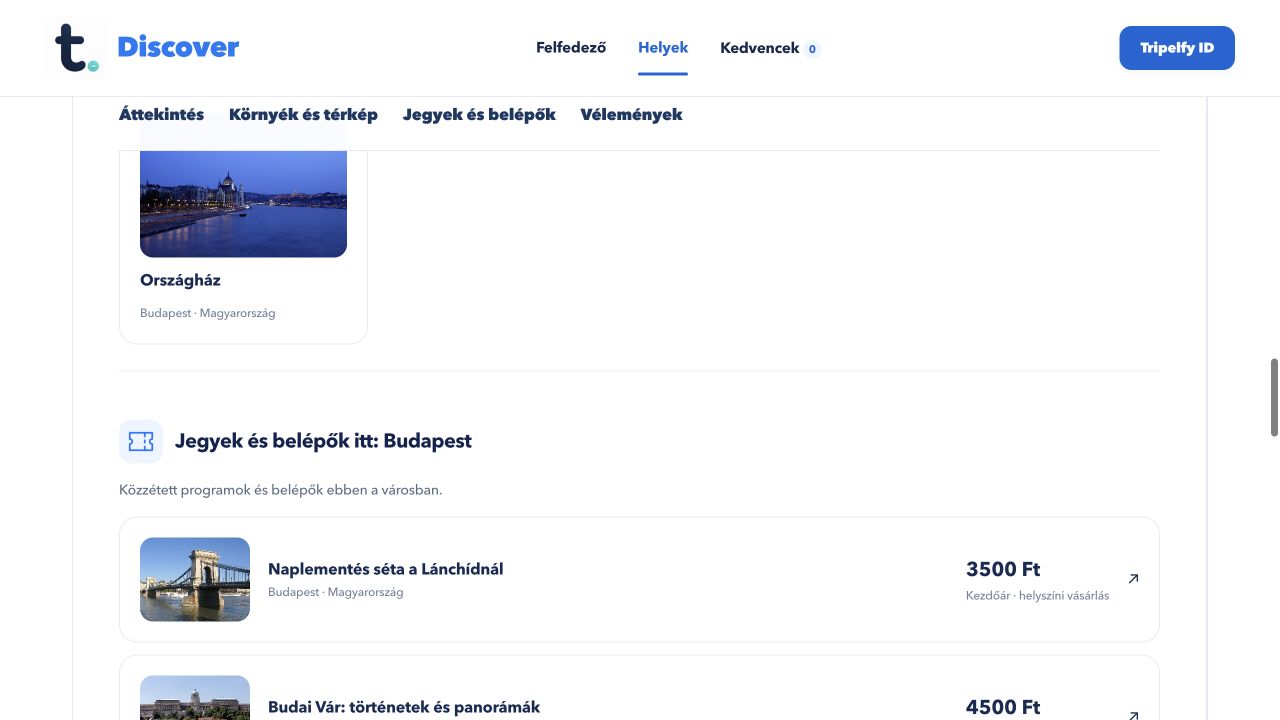
Browse cities, themes and place pages. Nearby places and city activities appear in separate recommendation rows.
Try it ↗ tripelfy
 Tripelfy Discover
Places, activities and your own itineraries. One city. So many ways to discover it.
Take a closer look.



Browse cities, themes and place pages. Nearby places and city activities appear in separate recommendation rows.
Try it ↗Browse eligible business and directly registered place profiles, using categories and text search.
Try it ↗Organise places and activities into an itinerary and manage supported shared trips with invited people.
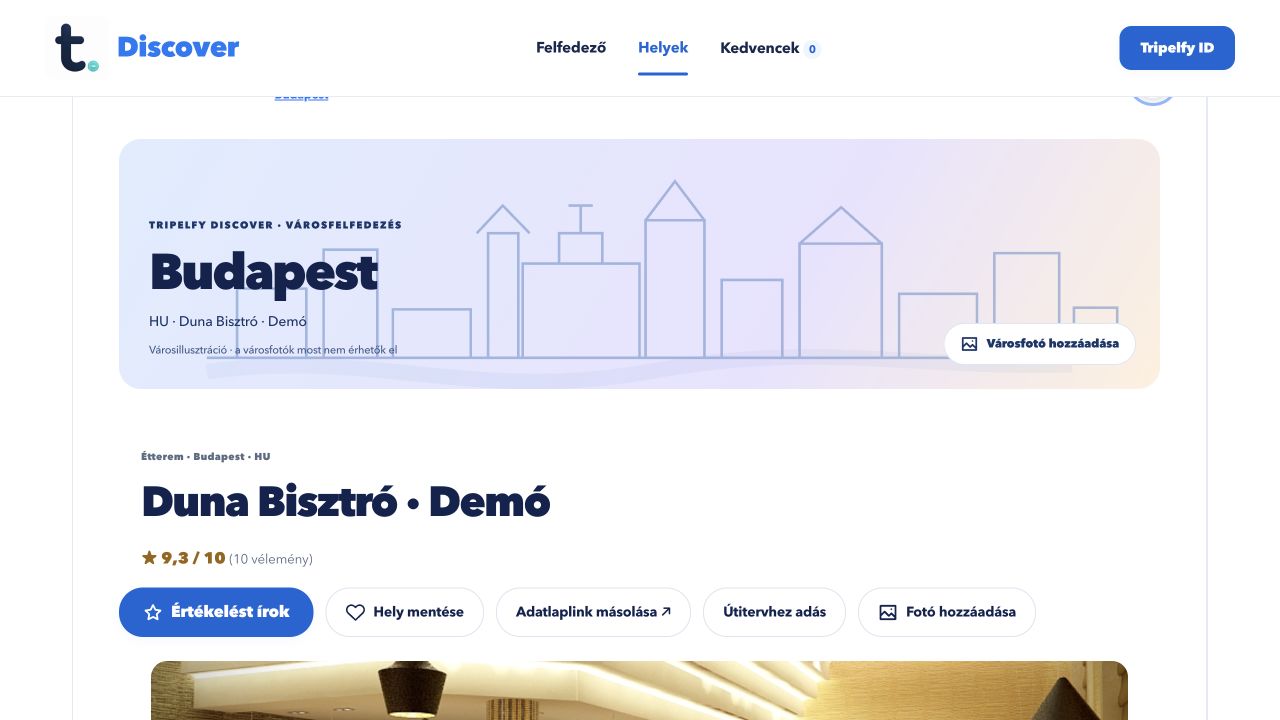
Try it ↗Leave a rating from 1 to 10, a written review and supported photos. Owners or authorised managers can reply publicly.
Try it ↗Demo screens and reviews use sample content. Image credits ↗
Tripelfy Discover
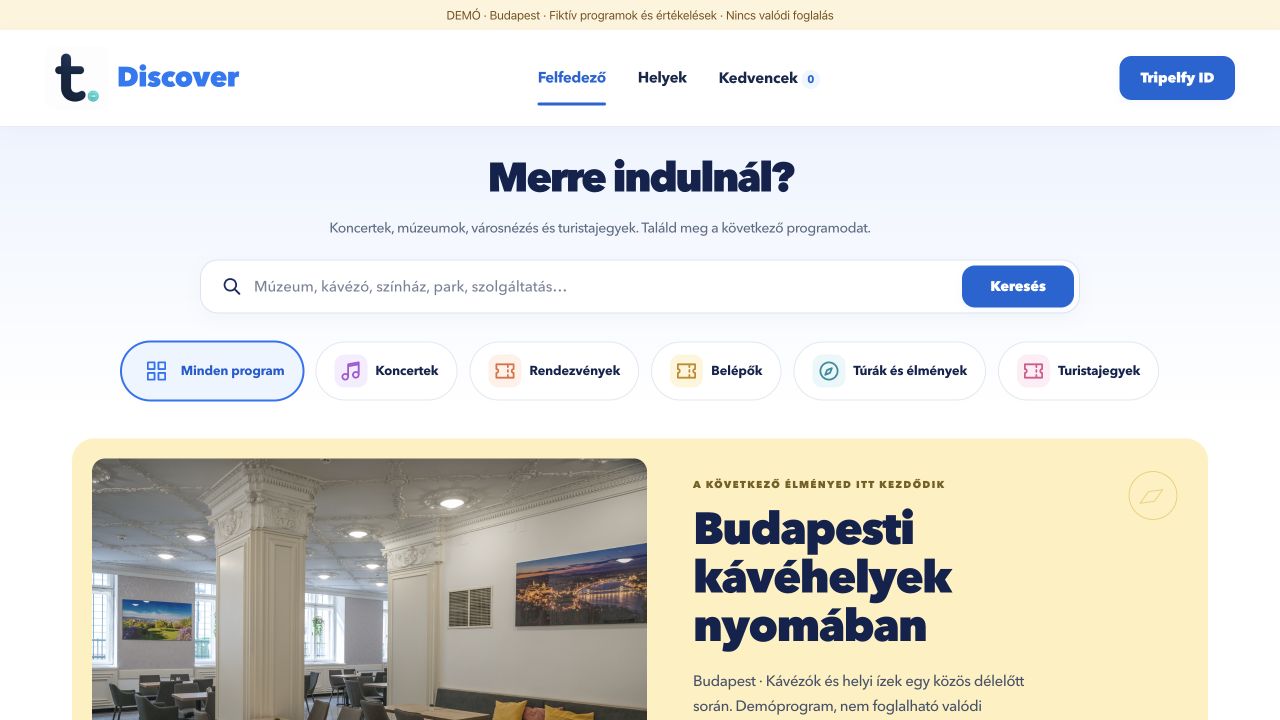
Browse published concerts, events, museum visits, tours and tourist tickets in the default Explore view.
Choose a country, city, activity type, date, time of day, currency and price range.
Browse eligible business and directly registered place profiles, using categories and text search.
Open profiles from map markers and search within a map area. Nearby search requests location permission.
Set weekly hours and exceptions. Open status follows the place’s time zone and recorded schedule.
Save favourites for later. Browser saves and account profiles are separate; cross-device favourite sync is not promised.
Leave a rating from 1 to 10, a written review and supported photos. Owners or authorised managers can reply publicly.
Report a review with a reason and follow the outcome in the appropriate interface.
Create a place directly with Tripelfy ID and edit its category, address, map pin, contact information, photos and hours.
Authorised organisers can prepare programmes, ticket types, departures and inventory, including supported institutional roles.
Order, inventory reservation, QR-ticket and validation flows have been tested locally. Production orders and payments remain disabled.
Test flows cover deadlines, inventory returns, refund states and currency-specific summaries. Bank payouts and invoicing are not activated.
Browse cities, themes and place pages. Nearby places and city activities appear in separate recommendation rows.
Organise places and activities into an itinerary and manage supported shared trips with invited people.
Add your photos and comments to a place. Photos can also be shared without a star rating.
Suggest corrections to public place information. Contributions and moderation stay attached to the place.
Supported activities show ticket types, departures, quantities and order states. Payment availability is shown for each activity.
No matching feature.
Screens are illustrative; features vary by platform.