01
Sign in.
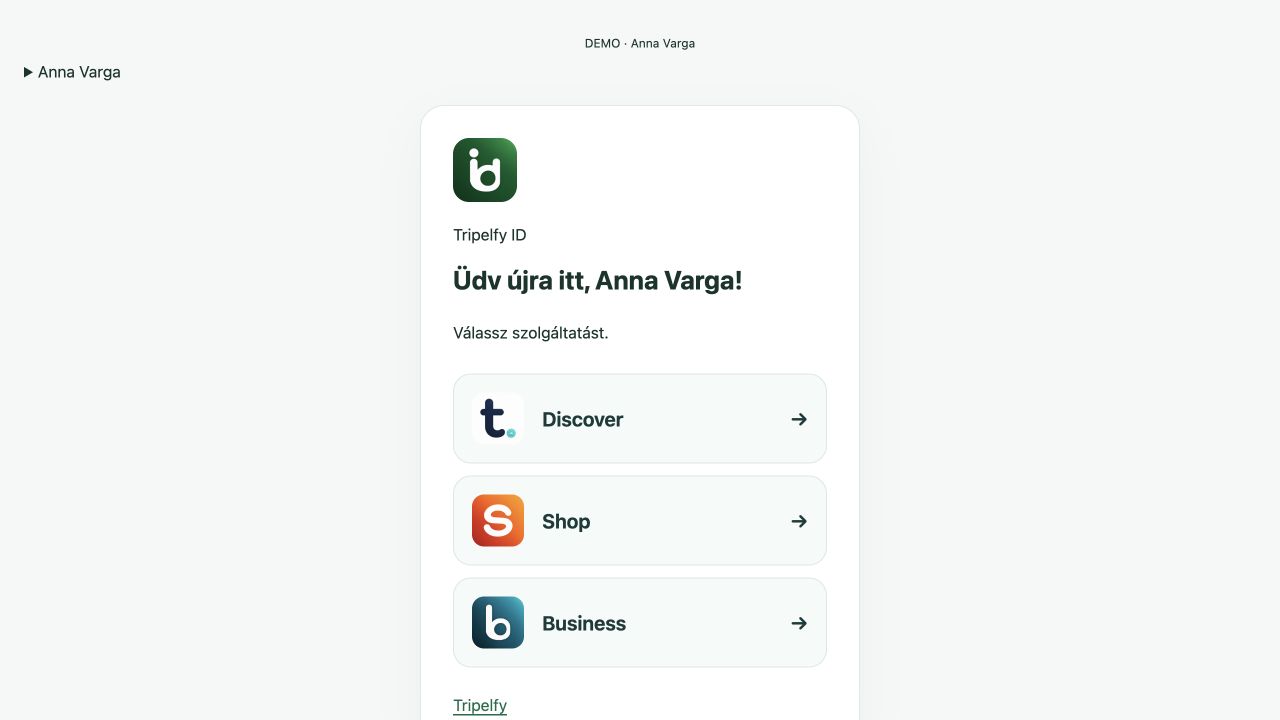
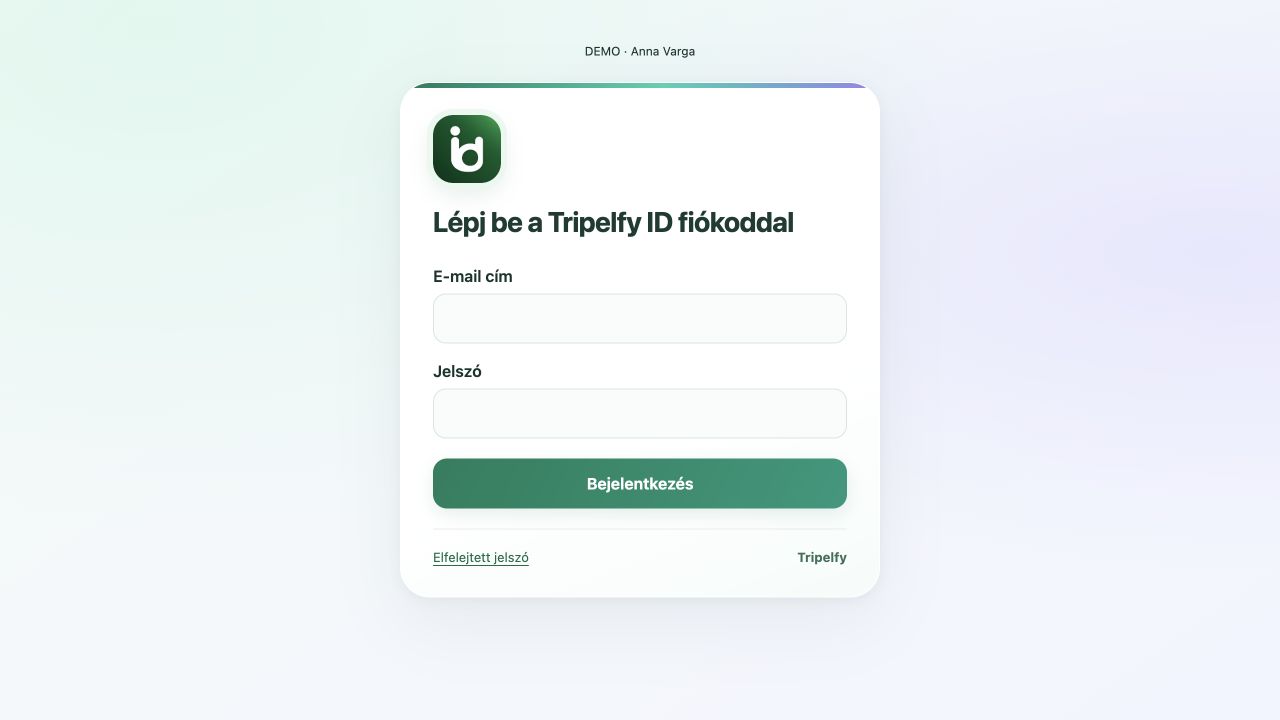
A dedicated sign-in page and personal account home connect supported web services.
Try it ↗ tripelfy
 Tripelfy ID
Your own sign-in, a personal account home and a way across Tripelfy services.
Take a closer look.
A dedicated sign-in page and personal account home connect supported web services.
Try it ↗A dedicated sign-in page and personal account home connect supported web services.
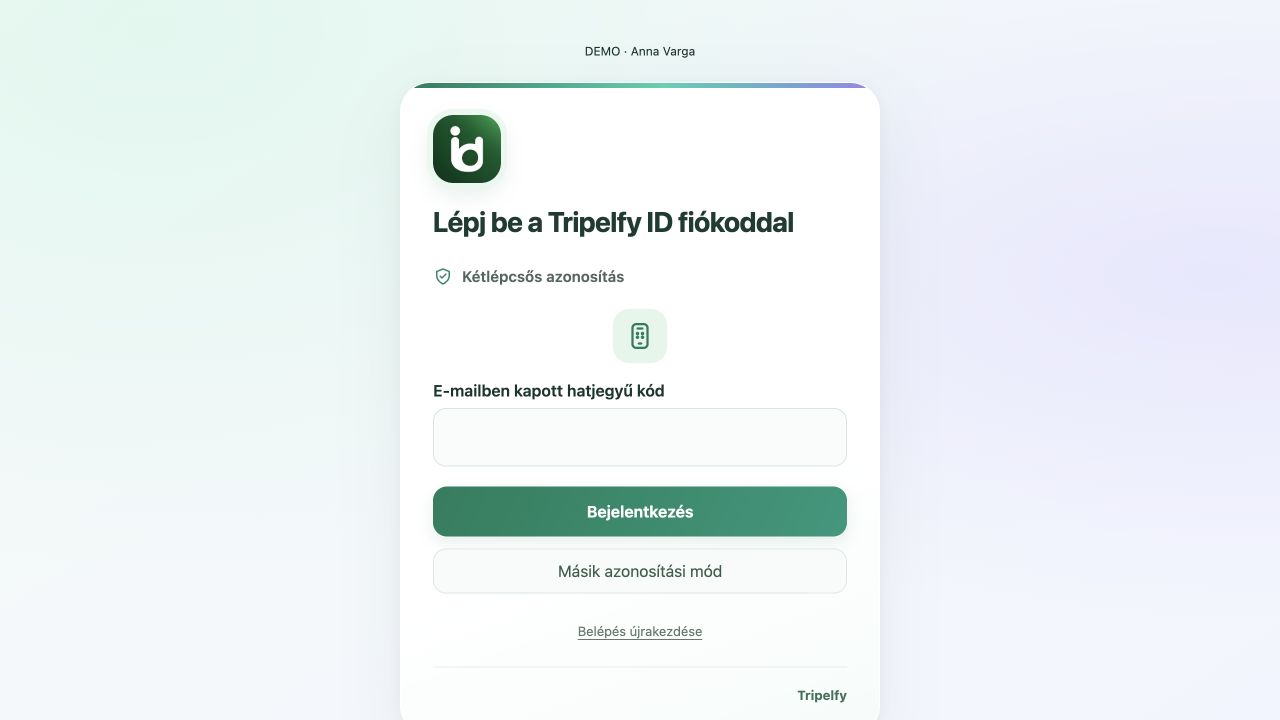
Try it ↗Supported flows offer email verification, an authenticator or approval in the app.
Try it ↗Demo screens and reviews use sample content. Image credits ↗
Tripelfy ID
A dedicated sign-in page and personal account home connect supported web services.
Supported sign-in flows use passwords and email verification codes. Older native clients have a separate migration schedule.
A shared web session opens supported services without another password prompt. Business permissions still apply separately.
Connect one personal account to multiple businesses; membership and role determine access to business data.
Accept an invitation to join the relevant business with server-verified permissions.
Use supported Tripelfy password-reset and email-verification routes. Some external authentication emails may use a different return address.
Keep sessions separate when switching accounts or signing out. Account deletion follows the affected services’ data and retention rules.
Supported flows offer email verification, an authenticator or approval in the app.
Continue in supported web services through a verified handoff started in the app.
Supported native apps keep your session. Sign-out, revocation or account changes may require verification again.
No matching feature.
Screens are illustrative; features vary by platform.