01
An ad-free feed.
Moments from your family, friends, colleagues and people you know. Share what matters and give each other your attention, without ads.
Try it ↗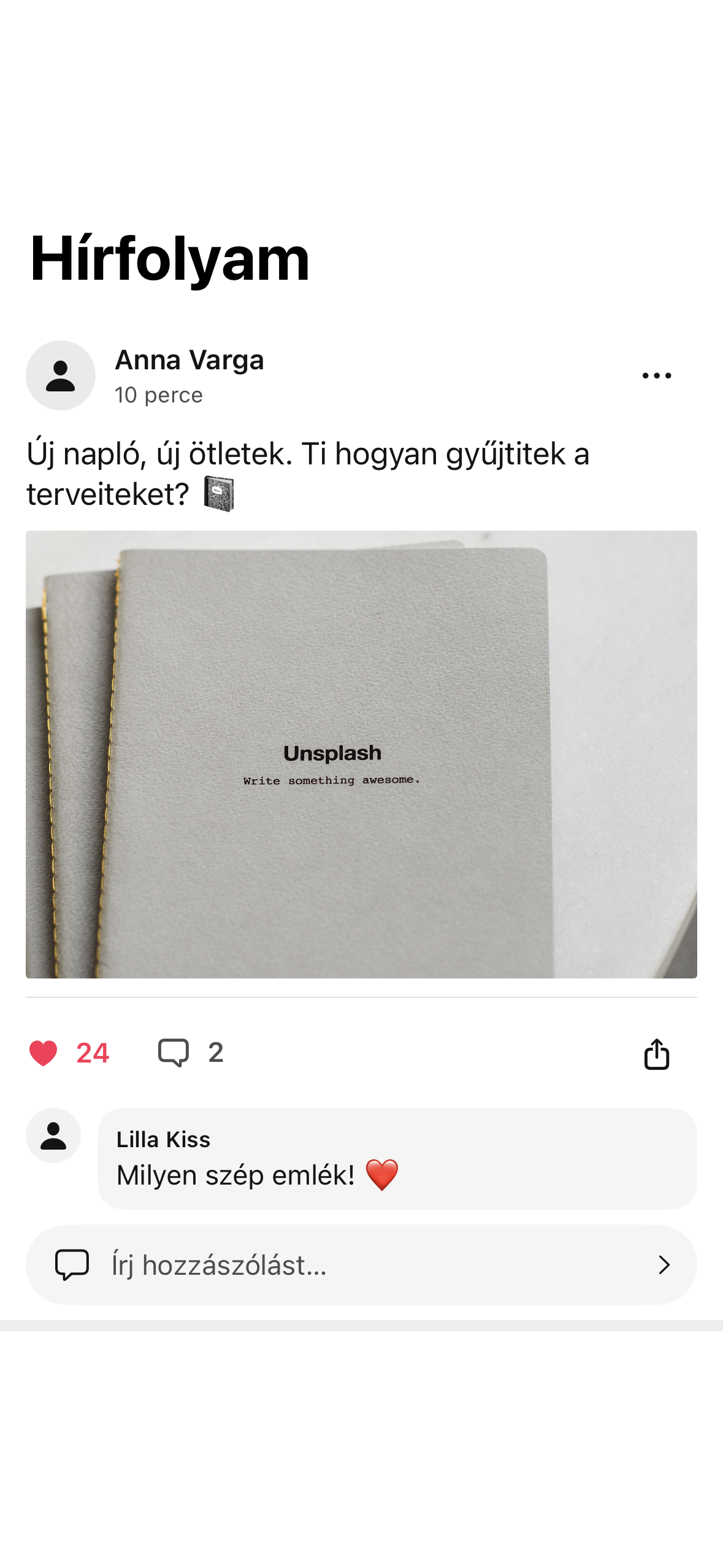
 tripelfy
 Tripelfy Social
Family, friends, colleagues and people you know. Share your moments, keep the conversation going and stay close in an ad-free social space.
Take a closer look.
Moments from your family, friends, colleagues and people you know. Share what matters and give each other your attention, without ads.
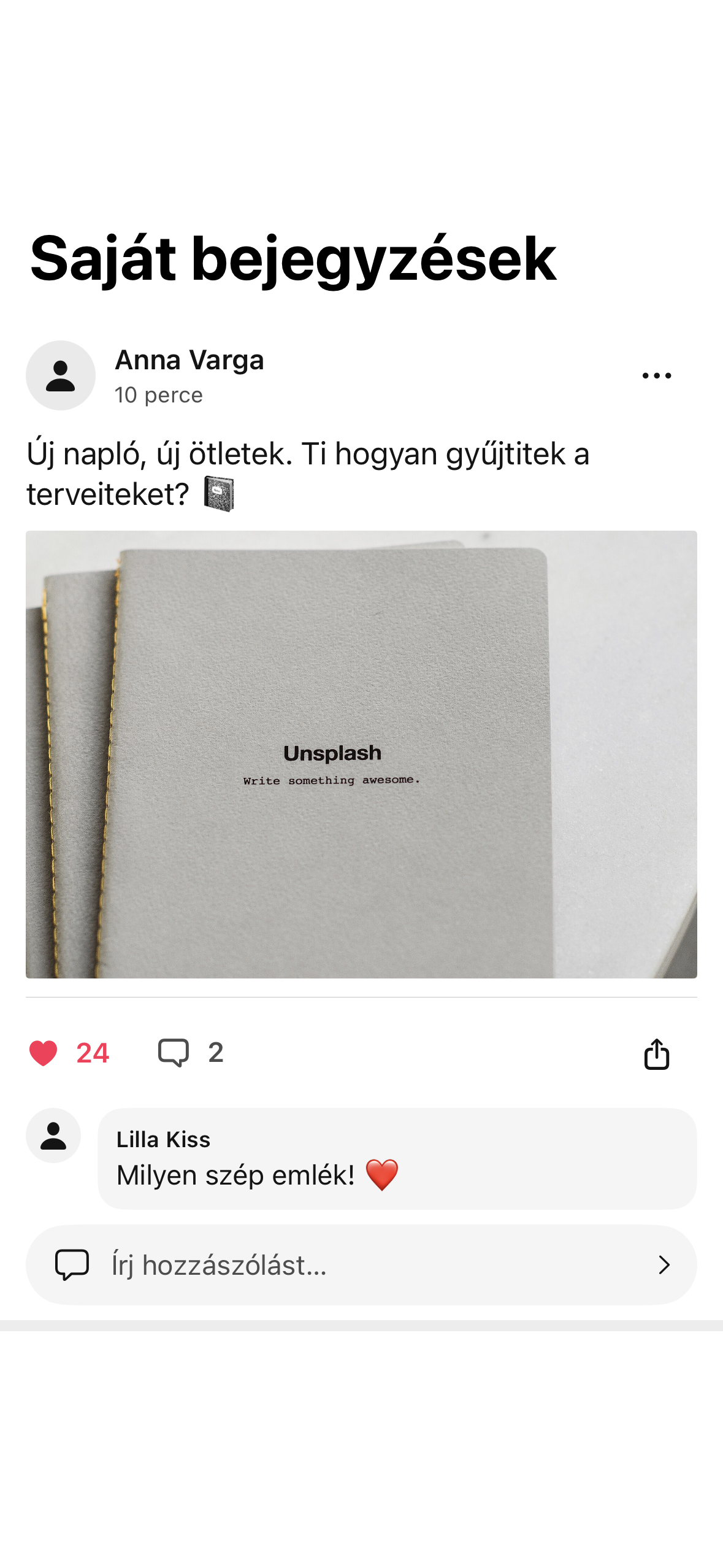
Try it ↗Archive your own posts, move them to the trash and permanently delete them through the supported deletion flow.
Try it ↗Organise photos into albums, create albums and edit them. Choose an album when uploading and open photos in a dedicated viewer.
Try it ↗Demo screens and reviews use sample content. Image credits ↗
Tripelfy Social
Your attention belongs to the people you share your days with. The Tripelfy Social feed is ad-free, today and in the future.
Choose the name, photo and introduction that represent you. Public profile information stays separate from private account details.
Send and accept friend requests, follow profiles and manage connections. Relationship and blocking rules also control access to private conversations.
Share text and photos with the audience you choose.
Respond to posts and manage your own contributions within the applicable access rules.
Share stories and organise images through supported albums, profile photos and tagging features.
Bring people together around shared interests through membership, roles and conversations.
Connect shared birthdays, name days and anniversaries with personal or jointly organised greetings.
Save content to revisit and find memories connected to earlier occasions and shared moments.
Follow connection requests and content activity through account-specific notifications and read states.
Block unwanted contact and report content for review by authorised moderators.
Add your city, hometown, workplace, education, languages, hobbies and favourite books, music, films, games or sports alongside your bio. Build your profile from the details you choose to provide.
Supported profile fields can be private, visible to friends or public. Interests and contact details can therefore have different audiences.
Preview your profile and highlight supported details while editing. A short thought bubble gives your current message its own place.
A profile identifier and QR-code view help you share your profile. Sharing the identifier does not grant access to private account information.
Search for people, send requests and manage incoming invitations. Friendship and following are different relationships; blocking can affect both.
Following and relationship lists have dedicated views. Following someone does not automatically reveal content intended only for friends.
A post can contain text, a supported photo, a background and place information. Select recipients or an audience before publication, then use the available editing actions on your own content.
Supported editors keep local drafts. Continue unsent content or retry a failed operation; restoring a draft does not publish it automatically.
A dedicated search helps find accessible posts. Results follow the same audience and relationship rules as the content itself.
Organise photos into albums, create albums and edit them. Choose an album when uploading and open photos in a dedicated viewer.
Profile photos and album images are managed separately. Supported tagging actions can link people to an image under its access and visibility rules.
Select and publish short videos for supported audiences. Filter your own, friends' or all accessible content; this is uploaded video, not live streaming.
Stories appear in a separate strip and view. Open content, create your own story and access deletion or reporting actions from this area.
Community profiles, invitations and membership actions help organise a group. Roles determine who can manage members and content.
Community posts can receive comments and reactions. Authorised roles can manage highlighted content and the group's presentation.
Create a community poll with a question and answer choices. Vote, withdraw your vote, view results and, when authorised, close or delete the poll.
Browse community media in a dedicated view. Transferring ownership is a separate permission-controlled process, distinct from inviting a member.
Supported social events can have a cover image and invitations sent to friends. Accept, decline and track incoming invitations in their dedicated list.
Send a personal greeting for a birthday, name day or anniversary shared by a friend. Received greetings track read status, and authors can withdraw their own greeting.
Create a shared card for a shared occasion, invite friends and schedule delivery. Participants contribute their own text and optional photo; the recipient cannot see the card before delivery.
The organiser chooses recipient-only or participant visibility. A card can be delivered early or cancelled; delivered contributions can no longer be edited.
Occasions explicitly shared by friends can appear in the connected calendar overview. Date sharing and notification preferences are managed separately.
Open a support request and review its details in the support area. Content reports and support requests serve different purposes.
Manage account settings and available authentication actions separately. Account deletion requires confirmation and is distinct from signing out or deleting a single post.
Share 24-hour stories with your friends.
Tag participants in supported posts, respecting sharing and visibility settings.
Archive your own posts, move them to the trash and permanently delete them through the supported deletion flow.
No matching feature.
Screens are illustrative; features vary by platform.