Tripelfy
01
Calendar.
Keep personal occasions, events and bookings together. Switch between day, week and month views, then search or filter to find a particular event.
Try it ↗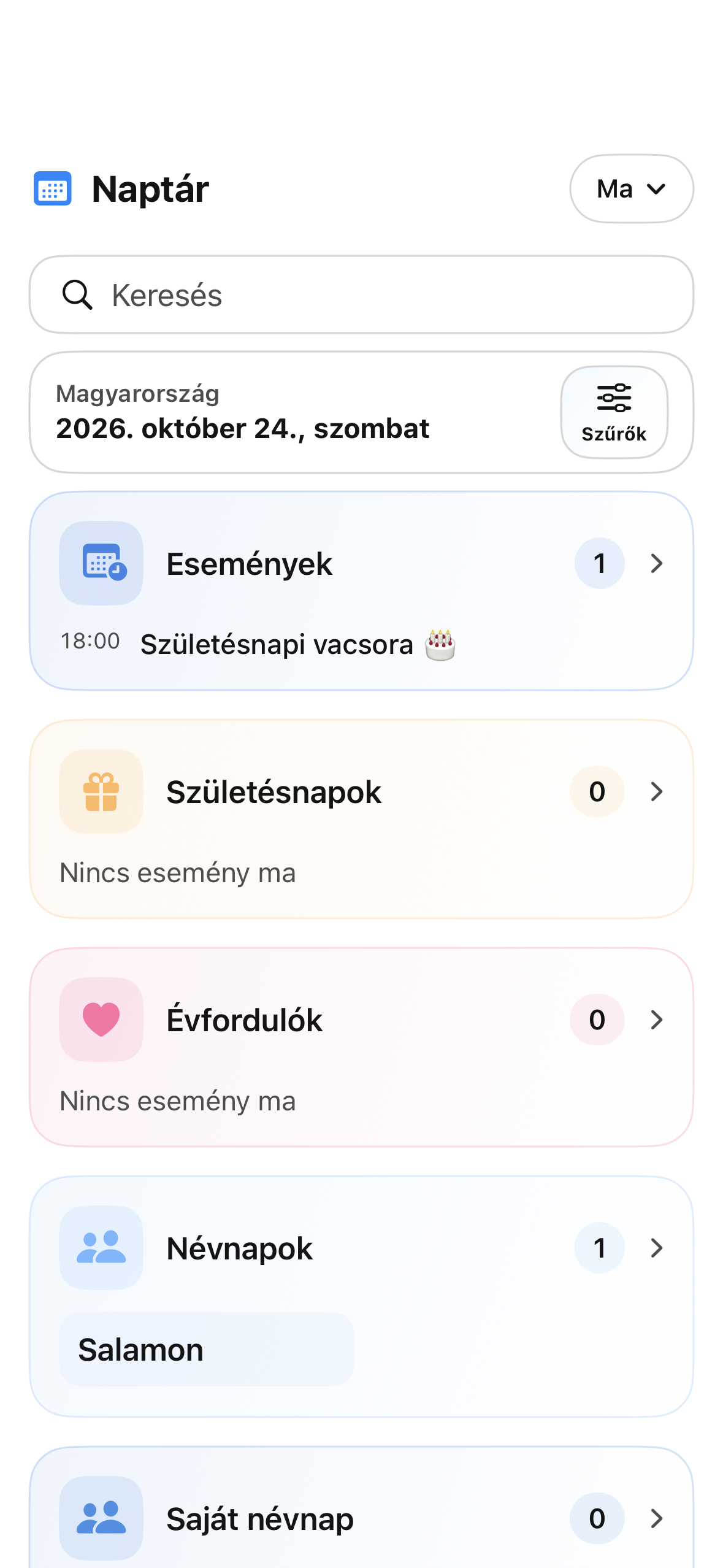
 tripelfy
Tripelfy
Important dates, people, bookings and gift ideas. On iPhone and Android, in your personal Tripelfy world.
Take a closer look.
Keep personal occasions, events and bookings together. Switch between day, week and month views, then search or filter to find a particular event.
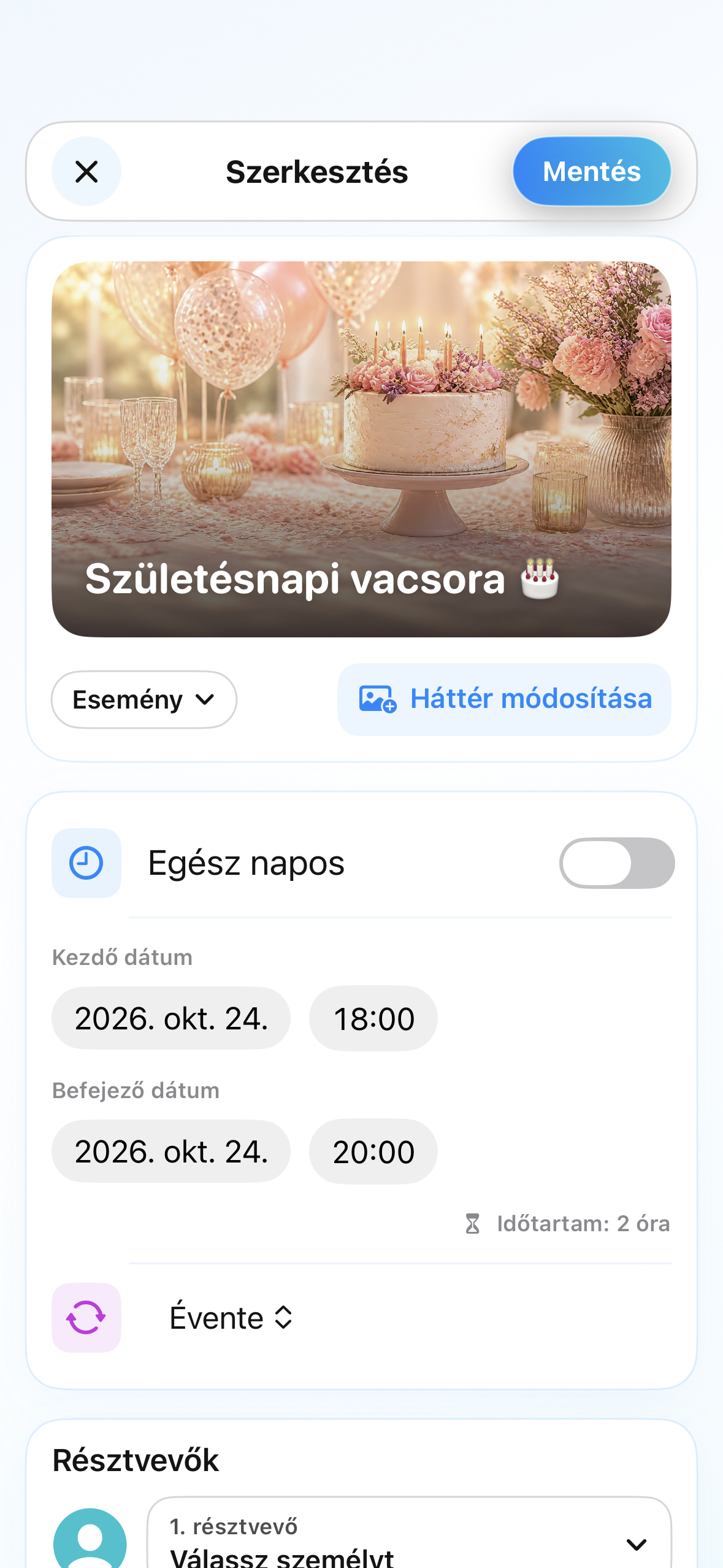
Try it ↗Create events with times, recurrence, participants and reminders. Edit them as plans change, including occasions that span several days.
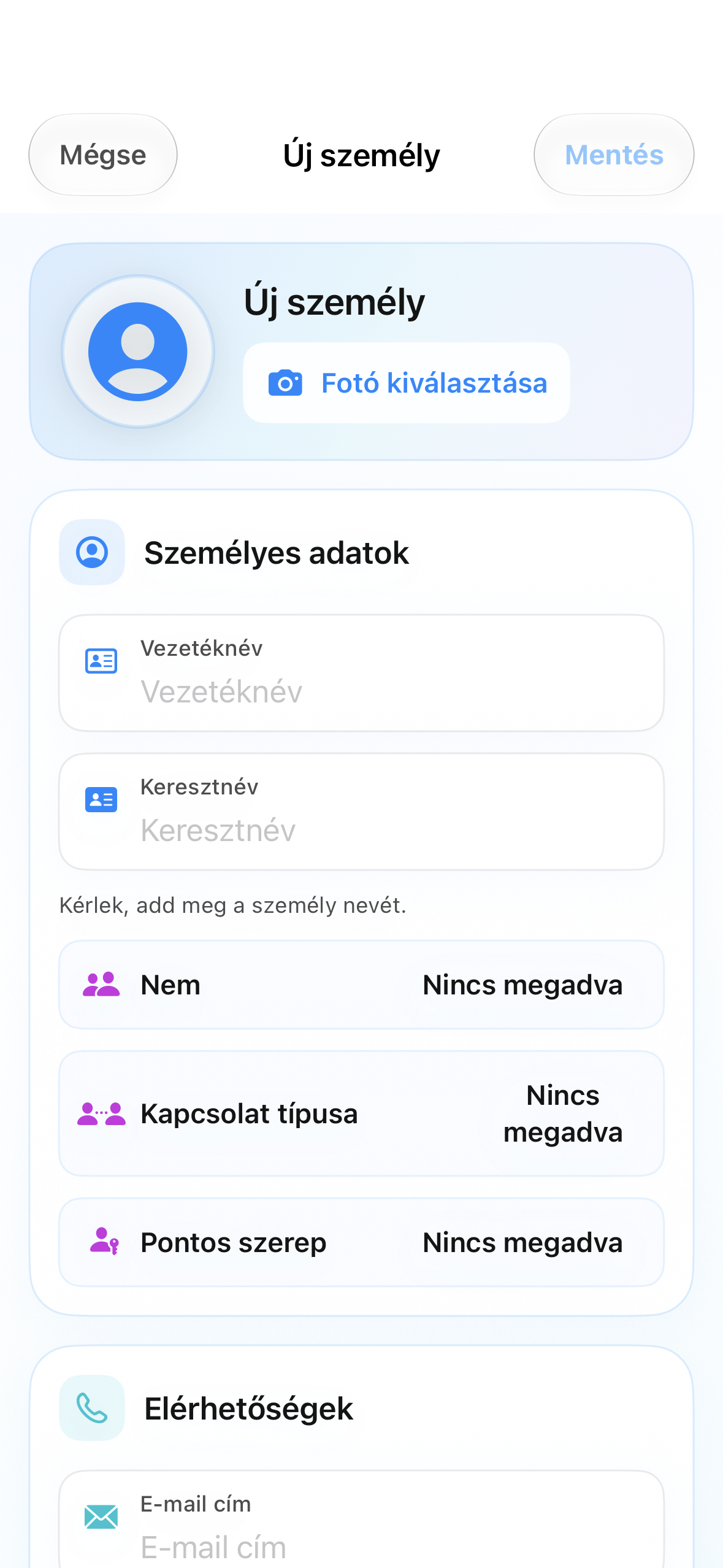
Try it ↗Keep contact details, photos, important dates and gift preferences together. Personal contacts and social connections remain separate.
Try it ↗Demo screens and reviews use sample content. Image credits ↗
Calendar, people, work schedules, gifts, Social, Messenger, Business and Discover.
Native Tripelfy with personal, social, chat, booking and discovery features. Platform parity is still in progress.
58 country/territory entries; choose country and interface language separately.
Tripelfy
Keep personal occasions, events and bookings together. Switch between day, week and month views, then search or filter to find a particular event.
Keep recurring dates with the people they belong to, alongside country-specific name-day calendars.
Create events with times, recurrence, participants and reminders. Edit them as plans change, including occasions that span several days.
Keep contact details, photos, important dates and gift preferences together. Personal contacts and social connections remain separate.
Choose notifications for occasions and bookings, subject to your device permissions and the settings of each feature.
See occasions shared by friends in your calendar. Sharing and blocking settings determine who can see them.
Record workplaces, shifts, breaks and time off. Summaries help you follow working hours and overtime.
Track subscription costs, currencies and renewal dates, with monthly and annual totals. Cancellation remains with the provider.
Choose a provider, service, location and available time. Track, change or cancel bookings under the provider’s rules.
Find Shop offers by person, occasion, interests and budget. Save ideas and revisit personal gift history; checkout happens at the partner store.
Browse places, programmes, reviews and organiser tools in the native Discover view. Availability depends on the app version.
The current development version combines account-based sync for supported personal data with a local copy, keeping accounts separate when switching.
The home screen highlights today's events and upcoming dates. Open an occasion, the related person and the available actions directly from this overview.
Switch between a detailed day, the weekly schedule and a monthly overview. Date navigation opens another period, while day details collect its occasions in one place.
Search for an occasion and filter the overview by event type. Find your way between personal dates, your own events and related bookings.
The selected country determines the available name-day and holiday content. Dates saved for your own contacts are managed separately.
Create one-off events or repeat them weekly, monthly or yearly. Edit the title, date and other event details to keep recurring occasions up to date.
Create a countdown to an important future date. The occasion remains part of your personal calendar so you can track the time remaining.
Choose an icon, background and related people in the event editor. Linking a person and sending a social invitation are separate actions.
Keep names, photos, contact information, relationship types, birthdays, name days and anniversaries together. Gift interests and notes help with later choices.
Supported occasions can be passed to iOS calendar handling and calendar-file sharing. System permissions and the selected destination determine where events are saved.
Set individual reminder times for supported events and occasions. Phone notification permission is also required for alerts to appear.
Manage multiple workplaces, shift start and end times, breaks and absences. Daily schedules and period summaries help you track working time.
Recorded schedules produce working-time summaries. These support personal tracking and do not replace employer records or payroll.
Record a service's fee, currency and renewal, then review recurring costs monthly and yearly. Editing the record does not change your contract with the provider.
Choose an appointment and an available staff member or location for the selected service. Track confirmation, changes and cancellation under the provider's rules.
Link a gift search to a person and occasion, then refine it with interests and budget. Product details and store offers help you decide; checkout happens at the partner store.
Supported versions let you return to gift searches for individual people and saved ideas. Price watches track recorded offers and do not guarantee the final store price.
Supported events, contacts, profile photos, work data, subscriptions, reminders and selected settings belong to your Tripelfy account. The app keeps a local copy; receiving new cloud changes requires internet access.
Personal local data is separated by account. Some previously available data can be shown offline, while confirming bookings or retrieving new social content requires a connection.
No matching feature.
Screens are illustrative; features vary by platform.